AI personal assistant
Boost Your Small Business with Meta’s New AI Personal Assistant
- AI personal assistant
- Meta
- Small business
- Productivity
- Automation
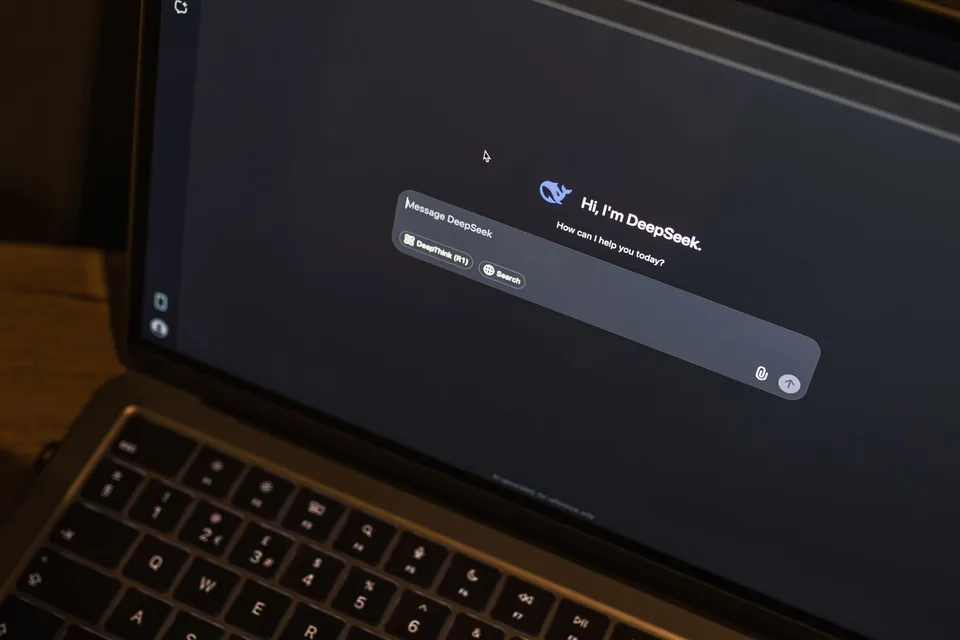
Meta’s new AI personal assistant is rolling out across Australia, promising to take over repetitive tasks so you can focus on the creative side of your business. From drafting copy to scheduling social posts, the tool works like a virtual team member that learns your preferences and acts on them.
Set Up a Daily Briefing in Minutes
The first concrete step is to create a daily briefing prompt inside the assistant. Open the Meta AI app, tap “Create Routine”, and type: “Summarise yesterday’s sales, list today’s top three website tasks, and suggest three content ideas for Instagram.” The assistant will pull data from your Shopify store, Google Analytics, and your content calendar, then deliver the brief each morning. This single routine replaces three separate log‑ins and saves at least an hour of manual checking.
Automate Design Asset Naming
When you upload new images to your website, the assistant can automatically generate SEO‑friendly file names. In the Meta AI settings, enable “Smart Naming” and map your folder structure to keywords such as “product‑type‑colour‑2024”. The first action is to select a batch of files in your design folder and click “Run Naming”. The AI will rename each file, for example turning “IMG_1234.jpg” into “handcrafted‑ceramic‑mug‑blue‑2024.jpg”. This tactic improves search visibility without extra effort.
Generate First Drafts for Blog and Ad Copy
Instead of staring at a blank page, ask the assistant to produce a first draft. In your content hub, type: “Write a 600‑word blog post about sustainable packaging for a boutique coffee brand, using a friendly tone.” The AI returns a structured draft with headings, which you can edit in minutes. Pair this with a quick review using the built‑in plagiarism checker, then schedule the post directly to WordPress. This replaces the initial research and outline phase, freeing you to add brand personality.
Streamline Customer Support with AI‑Powered Replies
Set up a rule in the Meta AI dashboard that watches your Facebook Messenger inbox. When a new message arrives, the assistant suggests a reply based on your FAQ database. The first step is to upload your existing FAQ spreadsheet, then toggle “Auto‑Suggest Replies”. For a typical query like “What’s your return policy?”, the AI will draft the exact wording you’ve approved, letting you copy‑paste or send automatically. This reduces response time and lets you focus on complex enquiries.
Integrate AI Insights into Your Marketing Dashboard
Link the assistant to your Google Data Studio or Power BI reports. In Meta AI, create a connector that pulls “click‑through rate”, “cost per acquisition” and “top‑performing ad creative” from your Meta Ads account. The first action is to copy the connector URL and paste it into your dashboard’s data source field. The AI will refresh the metrics daily and flag any sudden drops, prompting you to investigate before budgets bleed. This real‑time insight replaces weekly manual export tasks.
Boost Your Brand’s Visual Consistency
Use the assistant’s “Style Guide Checker” to audit new design drafts. Upload a mock‑up of a landing page, then select “Run Consistency Scan”. The AI compares colours, fonts and logo placement against your brand guide and returns a report highlighting mismatches. The first step is to save your brand guide as a PDF and import it into the AI tool. This quick scan ensures every piece of marketing material aligns with your visual identity, reducing the back‑and‑forth with designers.
Practical Workflow Example
Imagine a small boutique that sells handmade candles. Each morning the owner receives a briefing from Meta’s AI: yesterday’s sales, top‑selling scent, and three Instagram post ideas. The owner clicks a button to rename the new product photos, drafts a blog post in five minutes, and schedules a paid ad based on the AI‑suggested audience. By midday, the AI has already responded to three common customer queries, freeing the owner to design a new scent. This hypothetical scenario shows how stitching together the tactics above creates a seamless, time‑saving workflow.
Ready to try these steps? Start with the daily briefing routine, then layer on the other tactics as you become comfortable. Need help customizing the AI to your specific tools? Our team at Creative Factory Labs can guide you through integration, ensuring the assistant works hand‑in‑hand with your existing processes. Reach out via our contact page for a free consultation.
Want a hand putting this into practice? You can explore our services or browse our recent projects.
FAQ
Is the Meta AI personal assistant free for Australian businesses?
Meta offers a free tier that includes basic routines and content generation. More advanced features, such as custom data connectors, are available under a paid subscription.
Can the assistant integrate with platforms other than Meta Ads?
Yes. The AI provides API connectors for Shopify, WordPress, Google Analytics and most major e‑commerce and CMS platforms. Set up is a matter of authorising the connection in the assistant’s dashboard.
How secure is the data the assistant accesses?
Meta states that all data transfers are encrypted and stored in compliance with Australian privacy standards. You can also restrict the assistant’s access to read‑only mode for sensitive accounts.